Guides
Image optimization guides for store owners
Practical guidance on compressing, converting, and preparing faster product images for online stores — written for sellers, not engineers. Each guide covers real settings, step-by-step workflows, and honest limits.
Start with the compression settings guide if you want suggested numbers by image role, the batch workflow guide if you have a larger catalog to process, or the Core Web Vitals guide if you are trying to fix a specific page-speed problem. The how-to guide covers the fundamentals of compressing without losing visible quality.
These guides offer general guidance, not guaranteed outcomes. Image results vary by source image and settings, and any figures shown are illustrative examples. Compare visual quality and file size on your own images before publishing.
How to Optimize Product Images for Faster Online Stores
A practical guide to resizing, compressing, and converting ecommerce product images to WebP while preserving quality and fast loading times for Shopify, WooCommerce, and marketplace sellers.
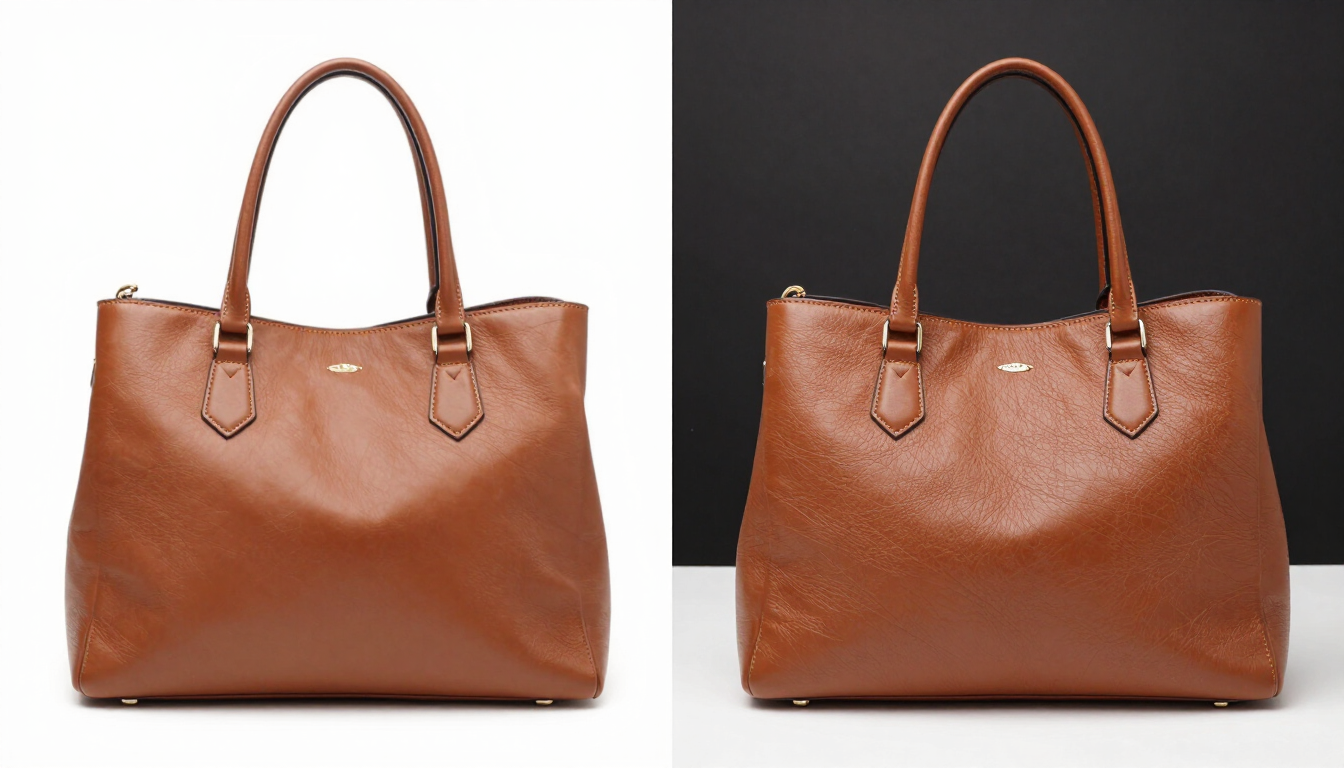
How to Compress WebP Without Losing Quality
How WebP lossy compression works, which quality range keeps product photos sharp, how to resize before compressing, and a repeatable workflow you can apply to a whole catalog.
Best WebP Compression Settings for Websites
A practical settings sheet by image role — hero, product, thumbnail, logo — covering quality, max width, and the lossy-vs-lossless decision, with notes on Shopify and WooCommerce image slots.

Batch WebP Compression Workflows for Online Stores
How to process a whole catalog in batches — organizing source files by role, applying the right preset to each group, preserving filenames, and re-uploading to Shopify or WooCommerce.
How to Reduce Image Size for Core Web Vitals
How images affect LCP, CLS, and INP, where to find each metric in PageSpeed Insights and Lighthouse, and a practical action plan for fixing image-related issues on a storefront.
Platform guides
Optimization guides for your platform
Deep, platform-specific guides that explain how each platform handles images, which dimensions each slot needs, and how to configure them correctly — beyond the general settings above.
Shopify image optimization
How Shopify’s image CDN works, variant generation, theme sizing, and replacing product photos with WebP.
Read guideWooCommerce image optimization
WordPress image sizes, WooCommerce configuration, regenerating thumbnails, and enabling WebP.
Read guideImage optimization glossary
Plain-English definitions for every term you’ll encounter — WebP, LCP, srcset, chroma subsampling, and more.
Browse glossaryFree WebP compressor
Compress your product photos in the next 30 seconds
No sign-up, no upload to a server, no size limits. Drop your JPEGs and PNGs in and get store-ready WebP files back instantly.
Open the compressor