WebP vs JPG vs PNG: file size compared
Choosing the wrong image format is one of the most common — and most fixable — reasons a Shopify or WooCommerce store loads slowly. Here is how the three formats actually compare on file size, quality, features, and real-world store performance, with concrete numbers and a clear recommendation for each use case.
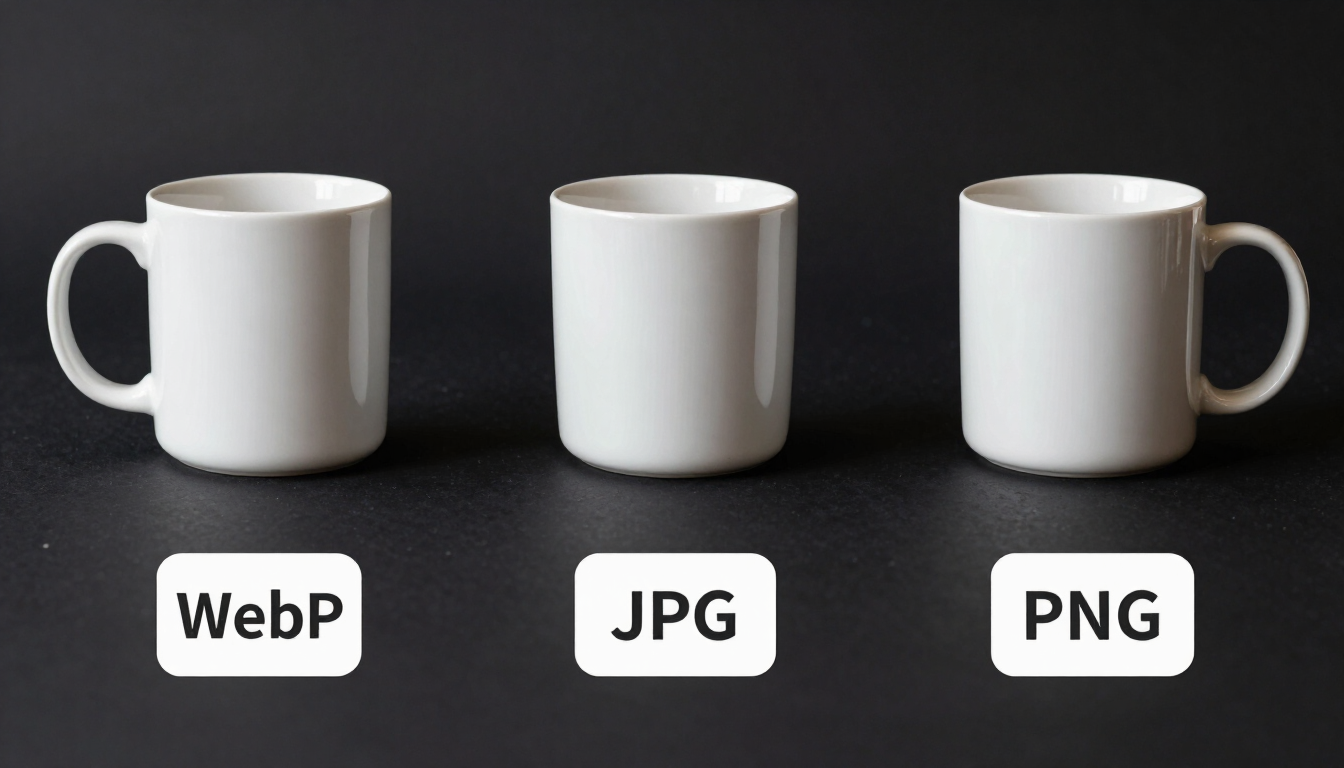
Same image, three formats — WebP consistently comes out smallest without a visible quality tradeoff.
Side-by-side comparison
The table below summarizes how the three formats compare across the dimensions that matter for an online store. File sizes are representative examples for a 2000px-wide product photo at comparable visual quality; actual results vary by image content.
| Metric | WebP | JPG | PNG |
|---|---|---|---|
| Typical file size (photo, 2000px) | ~180 KB | ~260 KB | ~1.4 MB |
| Transparency support | Yes | No | Yes |
| Lossless mode available | Yes | No | Yes (only) |
| Animation support | Yes | No | No |
| Best for | Product photos, banners | Photos without transparency | Logos, flat graphics, screenshots |
| Browser support | All modern browsers | Universal | Universal |
| Shopify / WooCommerce support | Native | Native | Native |
| Compression of photos | Excellent (lossy + lossless) | Good (lossy only) | Poor (lossless only) |
Sizes are representative examples for a 2000px-wide product photo at comparable visual quality; actual results vary by image content.
An illustrative file-size benchmark
To make the comparison concrete, the table below shows a single representative product photo (a ceramic mug on a white background, 2000px wide) saved in all three formats at comparable visual quality. These are illustrative figures — actual results vary by image content and encoder settings.
| Format | Settings | File size | vs WebP |
|---|---|---|---|
| WebP | Lossy, 82% | 178 KB | — |
| JPG | Quality 82 | 258 KB | +45% larger |
| PNG | Lossless, 24-bit | 1.42 MB | +697% larger |
In this illustrative example, WebP is smaller than the equivalent-quality JPEG and much smaller than the PNG — with no visible quality difference on a product page. Scaling that difference across a catalog of many product photos is where the total page-weight savings add up, though the exact numbers depend on your own images and settings.
Which format should you use, by use case?
There’s no single “best” format — the right choice depends on what the image is and where it’s used. Here’s a practical guide for the most common image types in an online store.
Product photography
Best: WebP
Product shots are the bulk of a store’s image weight. WebP’s lossy mode holds fine detail (fabric texture, stitching, reflections) at 25–35% smaller file size than an equivalent-quality JPEG. Across a catalog of hundreds of products, that compounds into seconds of page-load time saved.
Logos and icons with transparency
Best: WebP (or PNG as fallback)
PNG has always been the safe choice for transparency, but WebP supports alpha channels too, and lossless WebP files are typically 20–30% smaller than the equivalent PNG. For stores with no legacy-browser traffic, lossless WebP is a strict upgrade.
Screenshots with sharp text/lines
Best: PNG or lossless WebP
JPEG compresses hard edges poorly, creating visible artifacts around text. PNG (or lossless WebP) preserves crisp lines without the halo effect JPEG introduces. This matters for tutorial screenshots in blog content and product spec graphics.
Hero banners and full-bleed images
Best: WebP
Hero images are almost always the Largest Contentful Paint element. Every kilobyte you cut here has an outsized effect on your Core Web Vitals score. WebP’s superior compression at high quality (85–90%) makes it the clear choice for the most important image on the page.
Animated promotional banners
Best: WebP
WebP supports animation where JPEG and PNG do not. For lightweight animated banners (a rotating product, a subtle motion effect), animated WebP is far smaller than an equivalent GIF and avoids the weight of a video file.
Email marketing images
Best: JPG (for compatibility)
Email clients are notoriously inconsistent with image format support — many still don’t render WebP. For email campaigns, JPG remains the safest choice for photography. Keep WebP for your storefront where browser support is universal.
The tradeoffs, honestly
No format is perfect. Here’s an honest look at the strengths and weaknesses of each, so you can make an informed call rather than defaulting to habit.
WebP
- Smallest files at equal quality
- Supports transparency and animation
- Both lossy and lossless modes
- Not supported by very old browsers (pre-2020)
- Inconsistent support in some email clients
JPG
- Universally supported, including email
- Excellent for photographic content
- No transparency
- Larger files than WebP at the same quality
- No lossless mode; generation loss on re-save
PNG
- Lossless, crisp for flat graphics
- Full transparency support
- By far the largest files for photos
- No lossy mode to shrink further
- No animation
How each format actually works
Understanding the compression approach behind each format explains why the numbers look the way they do.
JPG (JPEG) — lossy, photographic
JPEG uses a discrete cosine transform to discard high-frequency detail the eye is least sensitive to, controlled by a quality setting. It’s been the web’s default photo format for 30 years because it compresses photographic content well. Its limitations — no transparency, no lossless mode, and generation loss each time you re-save — are why newer formats exist.
PNG — lossless, for graphics
PNG uses lossless DEFLATE compression, preserving every pixel exactly. It excels at flat color, sharp edges, and transparency — logos, icons, UI screenshots. For photographic content, lossless compression has nothing to throw away, so PNG files for photos are enormous. PNG is the right tool for graphics and the wrong tool for photography.
WebP — both modes, modern
Google developed WebP to combine the best of both: a lossy mode that beats JPEG on file size at equal quality (using predictive frames and more advanced entropy coding), and a lossless mode that beats PNG on file size for graphics. It also adds transparency and animation support. The only real drawback is older-browser support, which is effectively a non-issue for storefronts in 2024 and beyond.
The bottom line for online stores
For a Shopify or WooCommerce storefront, the practical recommendation is simple: convert your product photography and banners to lossy WebP, convert your logos and flat graphics to lossless WebP, and keep JPG only for email marketing where client support is inconsistent. PNG remains useful as a fallback for legacy browsers if your analytics show meaningful traffic from them — but for the overwhelming majority of stores, WebP covers every image type at smaller file sizes.
The result is a faster store, better Core Web Vitals scores, lower bandwidth costs, and a lighter media library — all from a one-time format conversion. For the exact quality and resize settings to use per image type, read our compression settings guide.
Editorial and testing note
The figures on this page are illustrative examples to show how the formats compare, not guaranteed results. Actual file sizes vary by image content, dimensions, quality setting, and encoder. Compare visual quality and file size on your own images before publishing. See our about page and advertising disclosure.
Free WebP compressor
Convert your JPGs and PNGs to WebP now
See the size difference on your own product photos — drop them into the compressor and compare the before and after yourself.
Open the compressor